What you will learn
-
Understanding Different Types of Mobile Video Content
-
Vertical vs Horizontal Video Shooting
-
Smartphone Lenses & Focal Lengths
-
Learn resolution, frame rates, focus, exposure, stabilization, HDR, and cinematic settings.
-
Creating Professional Reels, Ads & Promotional Videos
-
Content Creation & Creator Workflow
-
Choosing the Right Content for Different Platforms
-
Smartphone Camera Mastery
-
Professional Framing & Composition
-
Lighting for Mobile Videography
-
Mobile Video Editing Techniques
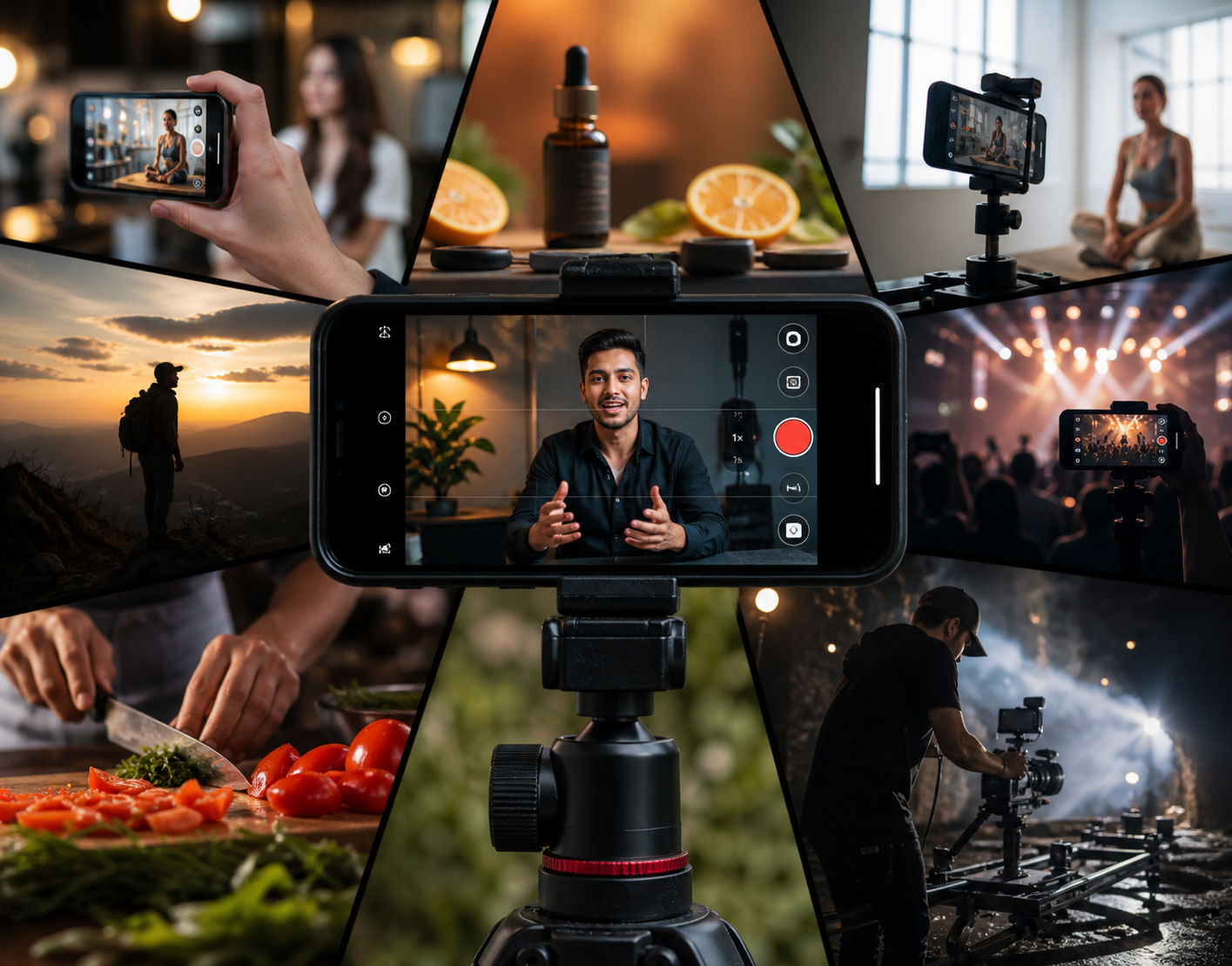
Stop filming amateur videos. Learn how to shoot, edit, and monetize cinematic content using only your phone. Online mobile video tutorials show you how to do something without showing you the settings they use for those professional results. In this course, we reveal the secrets pros use—whether you are using an Android or an iPhone.
The entire course is accessible directly from your phone in vertical format, allowing you to watch and learn seamlessly on the device you use to create.
MASTER THE SKILLS THAT GET VIEWS AND CLIENTS
--------------------------------------------------------------------------------------------------------------
● Cinematic Filmmaking: Optimize camera settings, lighting, framing, and crisp audio. Master phone lenses, composition, focus, exposure, stabilization, camera movement, and professional angles.
● Viral Short-Form Content: Craft high-engagement TikToks, Instagram Reels, and YouTube Shorts.
● High-Converting Commercials: Shoot professional product and service ads that drive sales.
● YouTube Talking-Heads & Long-Form: Produce clean, well-lit long-form videos for tutorials, podcasts, and personal branding.
● Mobile Editing Mastery: Use mobile editing apps like Capcut, Youcut to add pacing, captions, transitions, and sound effects.
GRADUATE WITH A CLIENT-READY PORTFOLIO
----------------------------------------------------------------------------------------------------
Do not just learn—create. You will finish this course with three real-world projects to launch your career:
● Project 1: A scroll-stopping short-form video.
● Project 2: A professional product advertisement.
● Project 3: A high-converting service commercial.
WHO IS THIS FOR?
----------------------------------------
● Creators wanting to grow a loyal social media following and monetize mobile video content.
● Entrepreneurs looking to film their own high-converting ads.
● Freelancers ready to offer high-paying video services to clients.
ZERO RISK, MAXIMUM RETURN
----------------------------------------------------------------
No expensive camera gear required. Get your smartphone, and we will teach you the rest.
Start Creating Today

Front Vs Back Camera

Lenses & focal lengths
Testing Samsung S26 Ultra lenses

Closer look at Wide/ Standard lenses and Telephoto lenses
Understanding Smartphone Zoom | Why Your Phone Gets Grainy When You Zoom In
Try this: Lens Switch Reel Technique
How to film yourself in ultra wide angle like an influencer
Grid Lines and Composition Guides
Understanding Video Resolution: 720p, 1080p, 2K & 4K
Selecting resolution settings on iPhone and Android
Frame rates: 24fps, 30fps and 60fps
How to change frame rates on iPhone and Android
Focus, Autofocus & Focus Lock - How to keep your images sharp
Creator Tip: Using Tracking Autofocus (Samsung Galaxy Feature)
Exposure & Exposure Lock
Exposure: How to Fix Videos That Are Too Bright or Too Dark
Smartphone Stabilization for Eliminating Shaky Footage | Action Mode (iPhone) & Super Steady (Android)
How To Stabilize Footage (Text)
Stabilizing shaky footage in Google Photos app
How to create depth in mobile video
Flat shots vs cinematic shots with depth
Slow Motion in Mobile Video
Create slow motion in Capcut
Try this: Food Shot with Slow Mo
HDR Video - Should you activate or turn it off?
Creating Blurry Background in Mobile Video | Portrait video mode & Cinematic mode
Cinematic mode on iPhone
Text: Creating background blur
No Data Found!

No Discussion Found
5.0
1 Reviews

Tebogo Mohapi
5 days ago
thank you guys this course is a real gem
Meet Your Instructor
About Instructor
Admin
Free
-
Video Lessons56 min 18 sec
-
Course LevelMedium
-
Student Enrolled29
-
LanguageEnglish
Gift this course
Send this course as a gift to your friends
This Course Includes
- 56 min 18 sec Video Lectures
- 0 Quizzes
- 0 Assignments
- 0 Downloadable Resources
- 30 days after the enrollment
- Certificate of Completion